Configuring EWS settings in Building Operation
In Building Operation Workstation, navigate to <Your server name>\System\EcoStruxure Web Services and check to see that the EWS Server settings match the following:
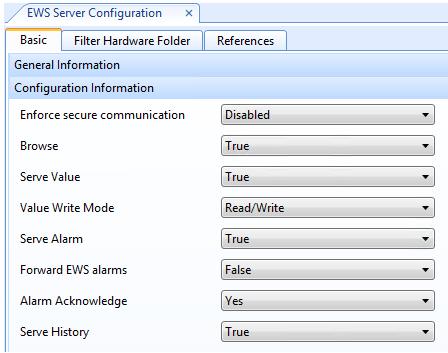
Confirm that:
- Enable EWS Server is set to "True"
- Ensure secure communication is set to “Disabled”
- Server Value is set to “True.”
We recommended you setup a dedicated ETLUser account for EWS in Building Operation.
To create an account:
- Navigate to
<Your Server name>\System\Domains\Local\Users\and click New > User Account.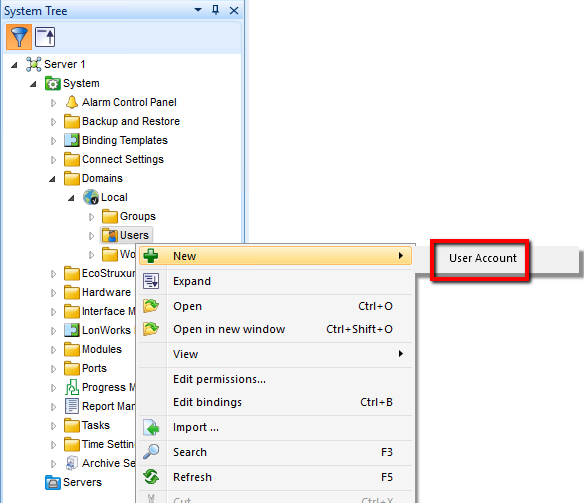
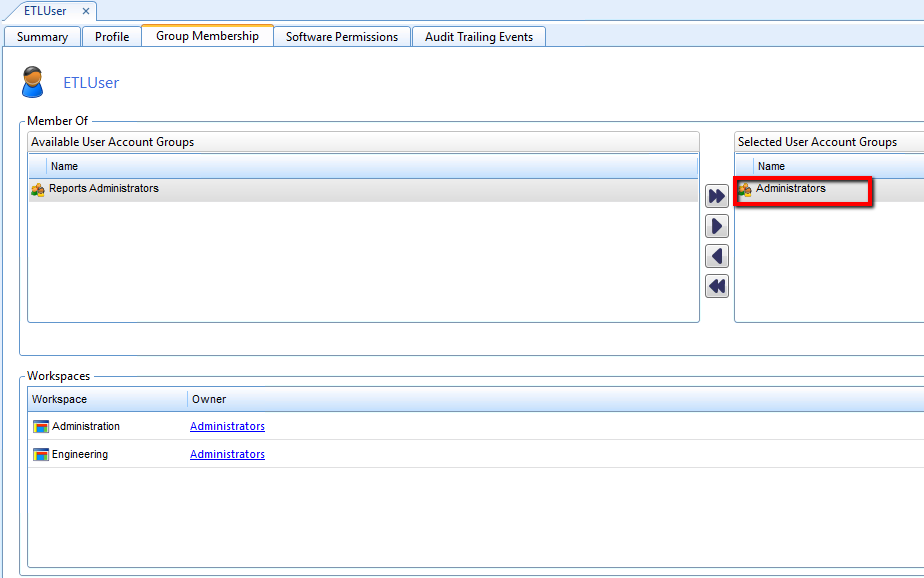
- Make sure ETLUser is a member of “Administrators” account group: