Notifications Settings
There are a number of global settings you can apply to notifications. Unlike alarm rules that apply to a specific notification, global settings control how all system notifications behave.
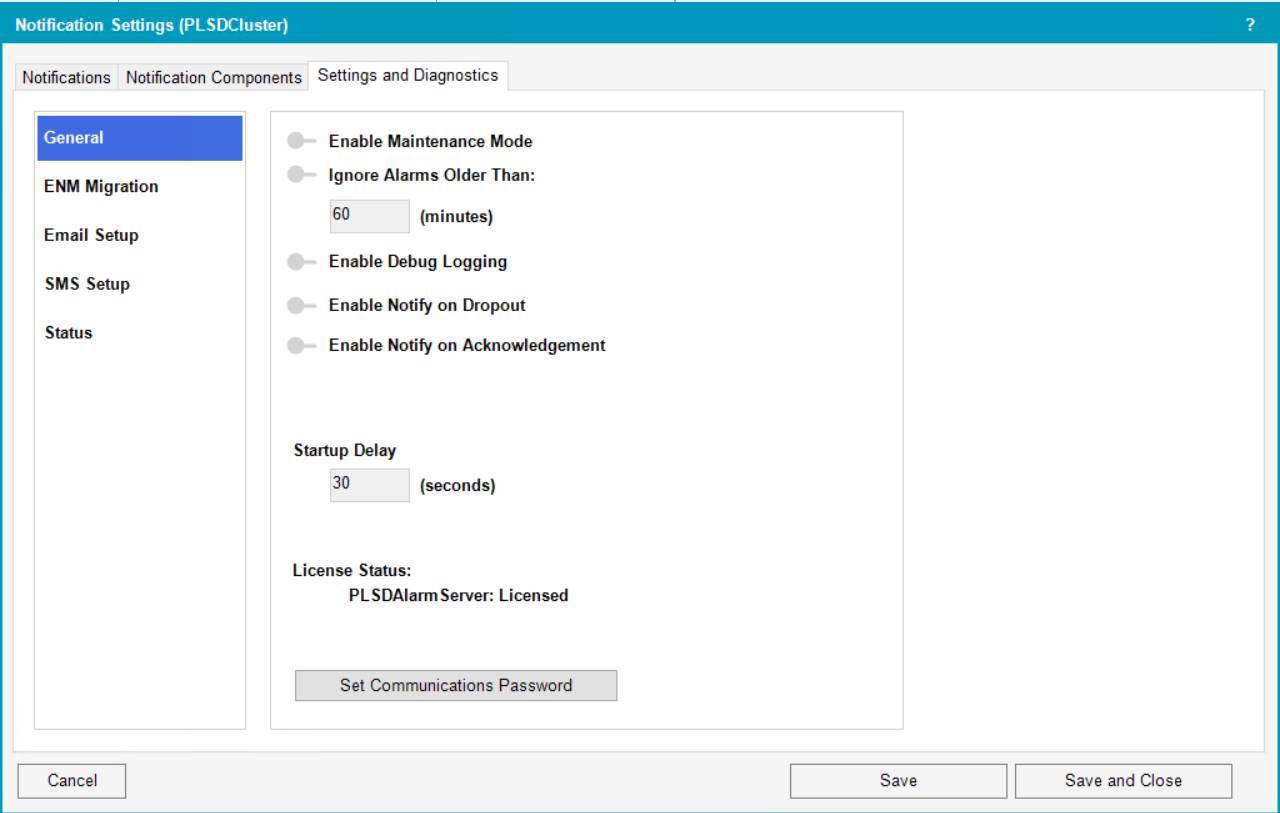
You can define the following settings:
- Enable Maintenance Mode – Disables notifications. See Using Maintenance Mode for more information.
- Startup Delay (seconds) – Disable nuisance start up notifications for a defined period of time.
- Enable Debug Logging – Enables logging. See Notifications FAQs for more information on logging.
- Enable Notify on Dropout – Sends a message when the alarm is back to normal.
- Enable Notify on Acknowledgment – Sends a message when the alarm has been acknowledged.
After you change settings, select Save. For redundant systems: In Save Configuration, select the servers to which you want to apply the settings.