Exporting alarm menus
To export an alarm menu:
- Log in to PO Web Applications (https://localhost/webhmi or https://ipaddress/webhmi).
- Select ALARMS:
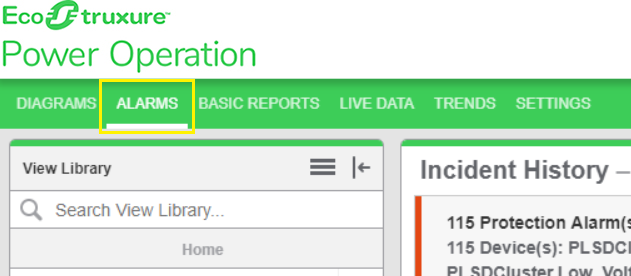
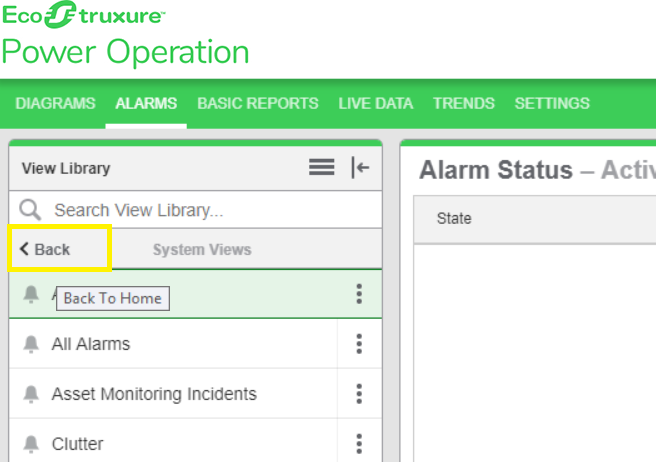
The following screen is displayed:
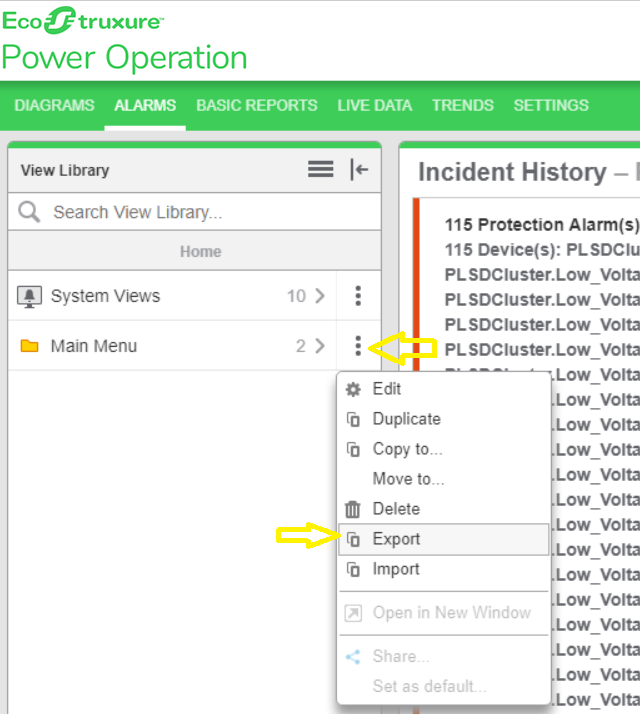
- On the Home view, select the 3 dots, and then select Export:
- Select the JSON file export location, and then select Save.
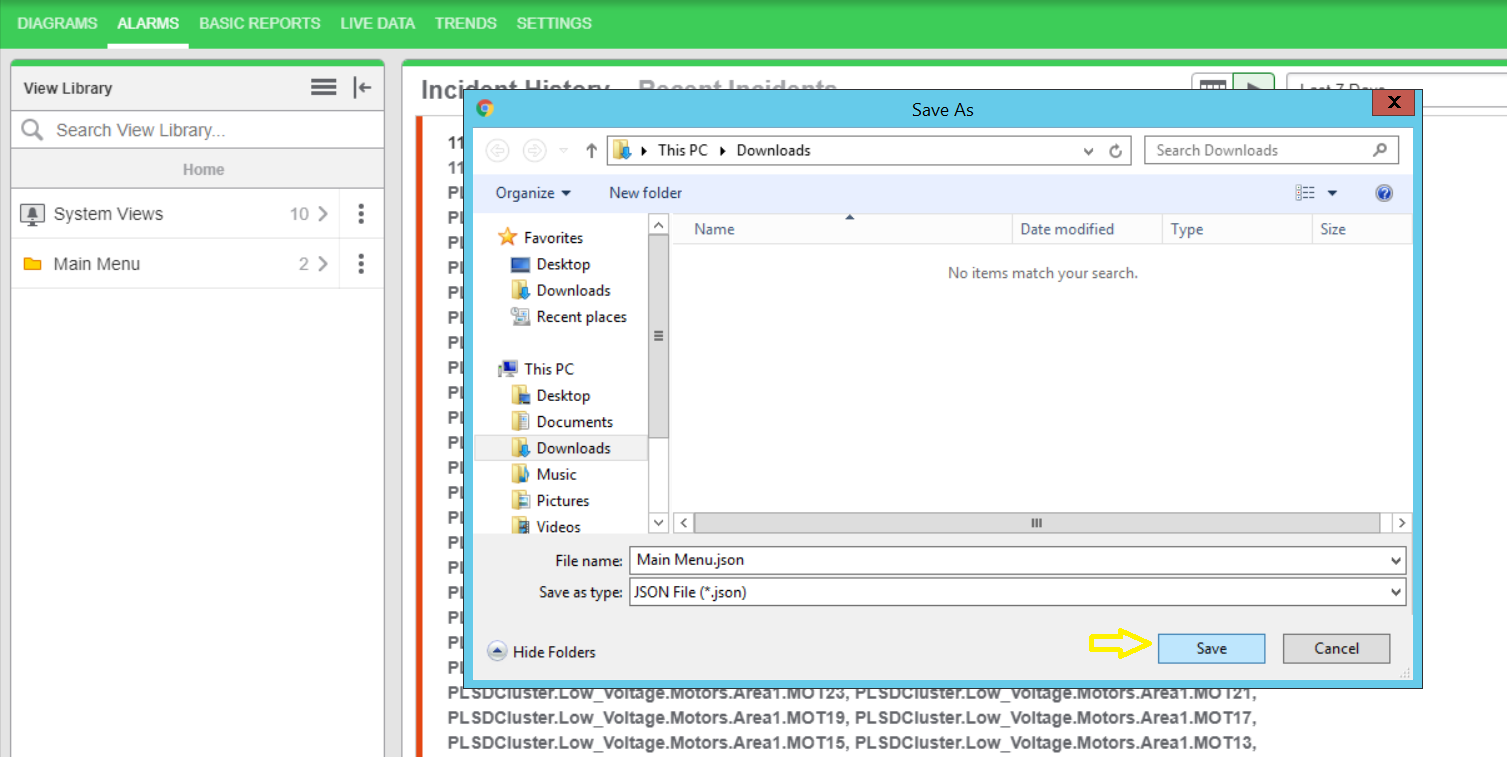
- Check the file in the folder to confirm that the Alarm Menus were exported.
For reference information, see:
For information on how to use Alarms, see Alarms.