Editing Text or Textboxes
You can reformat single line texts and texts within textboxes.
To edit text:
- In Graphics Editor, in the work area, select the text or textbox object containing the text you want to edit.
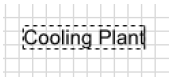
- On the Options toolbar, expand Stroke and select a new text color from the Color palette.
- On the Options toolbar, expand Fill and select a new background color for the textbox from the Color palette.
- Double-click the text/textbox object and edit the text by adding or deleting text.
- On the Options toolbar, set font, font size, and other text properties.
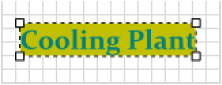
- When finished, select outside the text/textbox.