Error Diagnosis
Overview
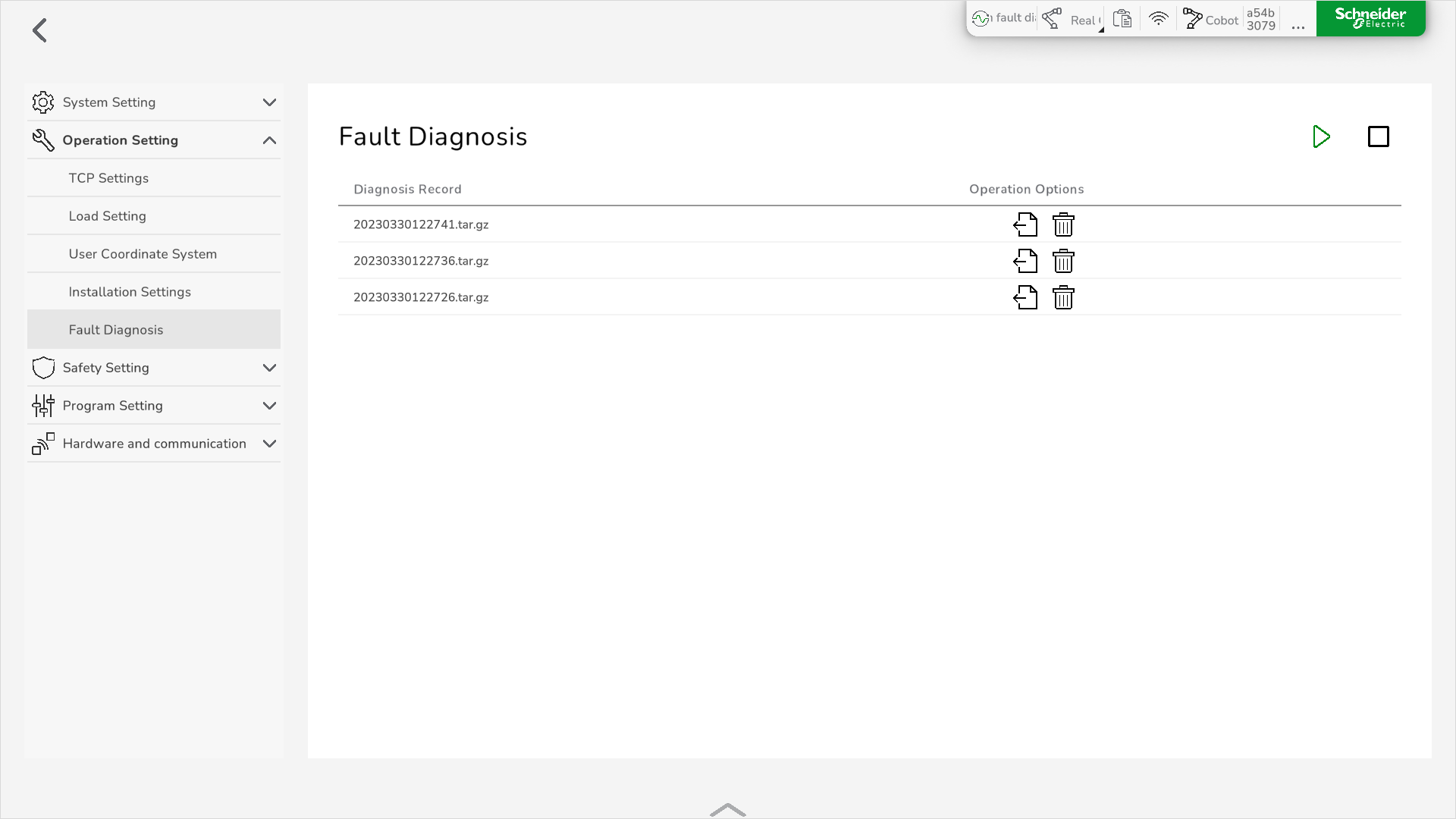
To display the error diagnosis, go to .
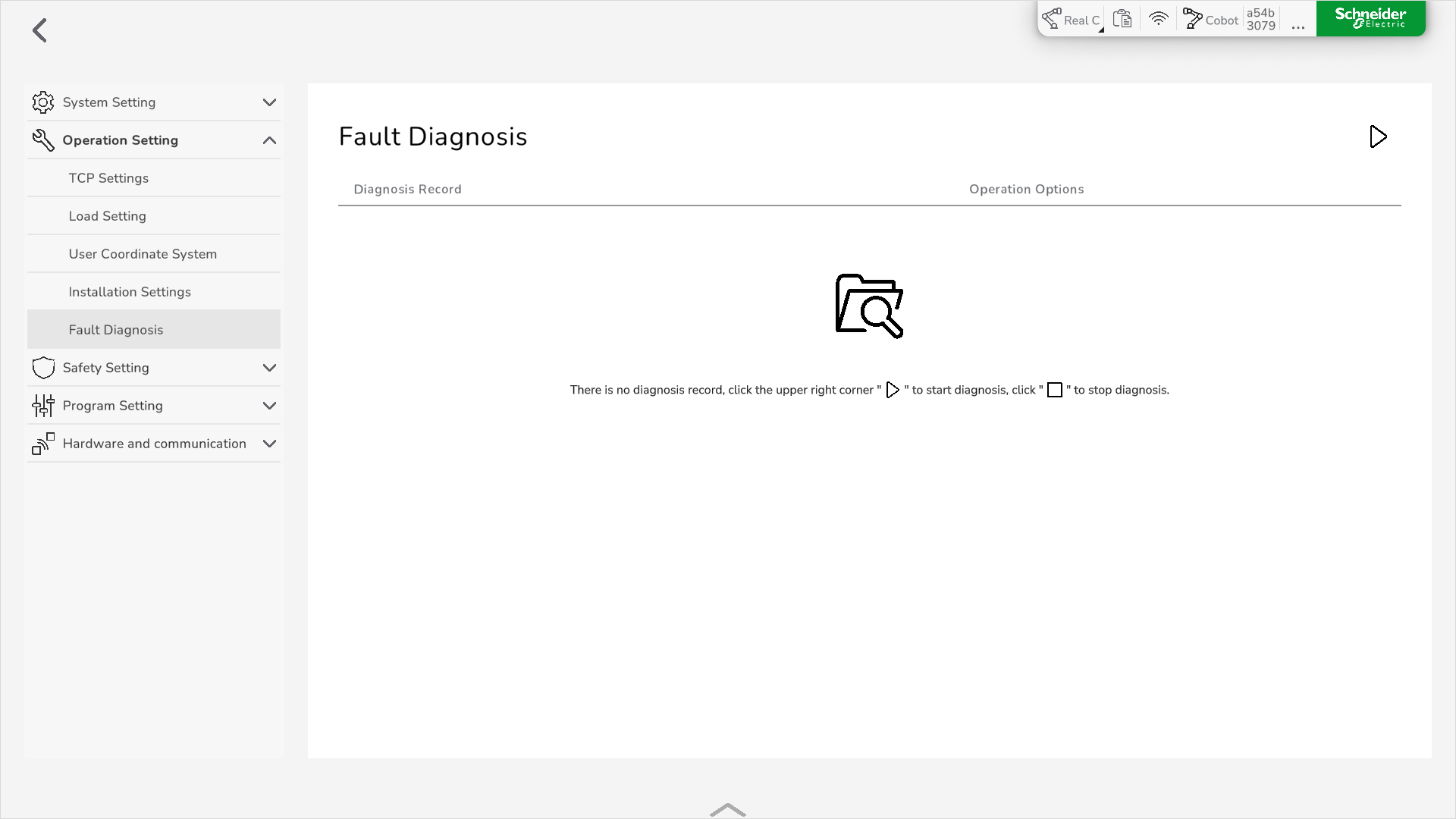
In case of a Lexium Cobot detected error, the Lexium Cobot Controller automatically saves the information in a compressed file named after the system time and displays it in the Fault Diagnosis pane.
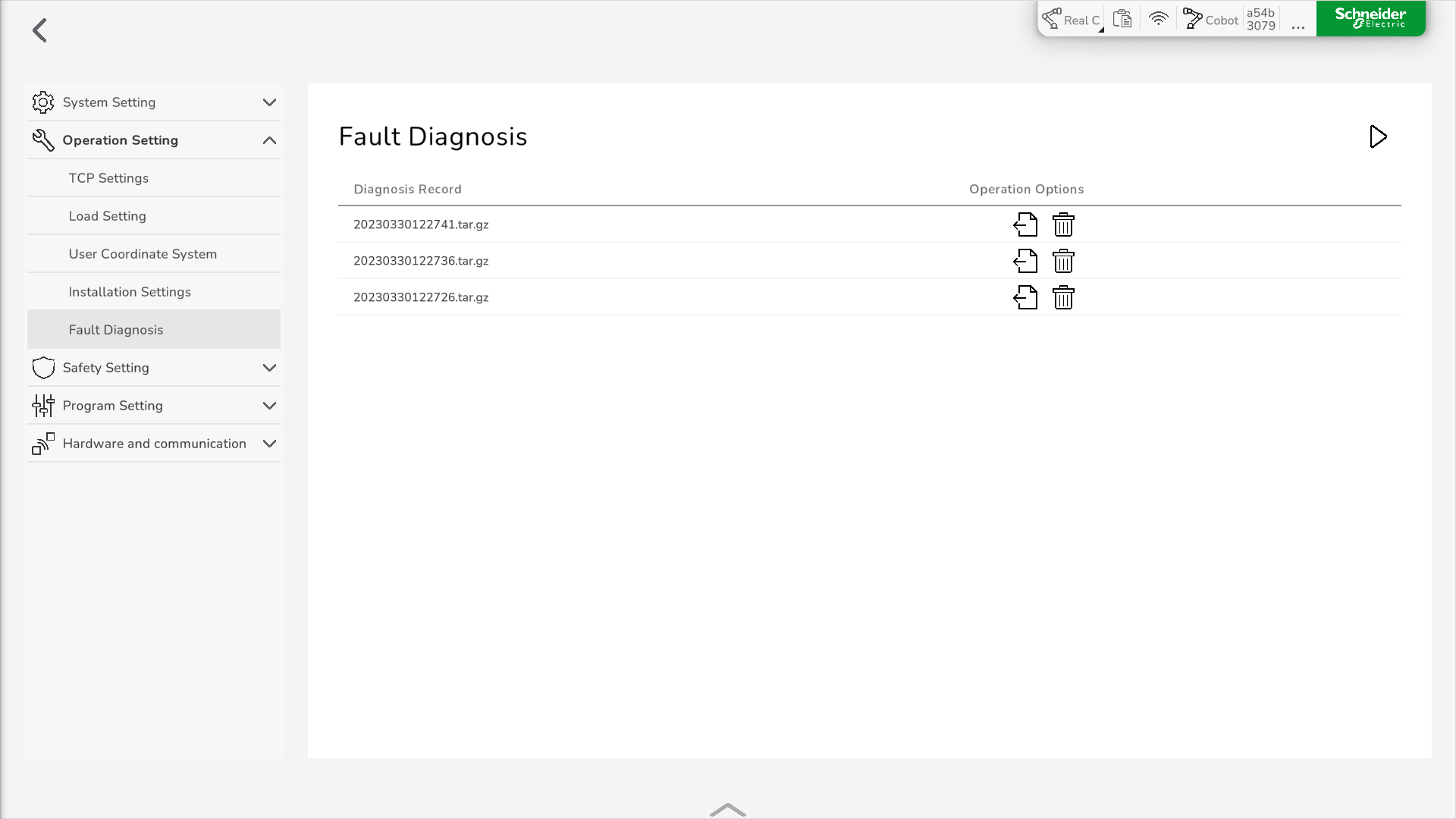
In Operation Options, you can download or delete the file.
Operation Options
You have the following operation options in the Fault Diagnosis pane:
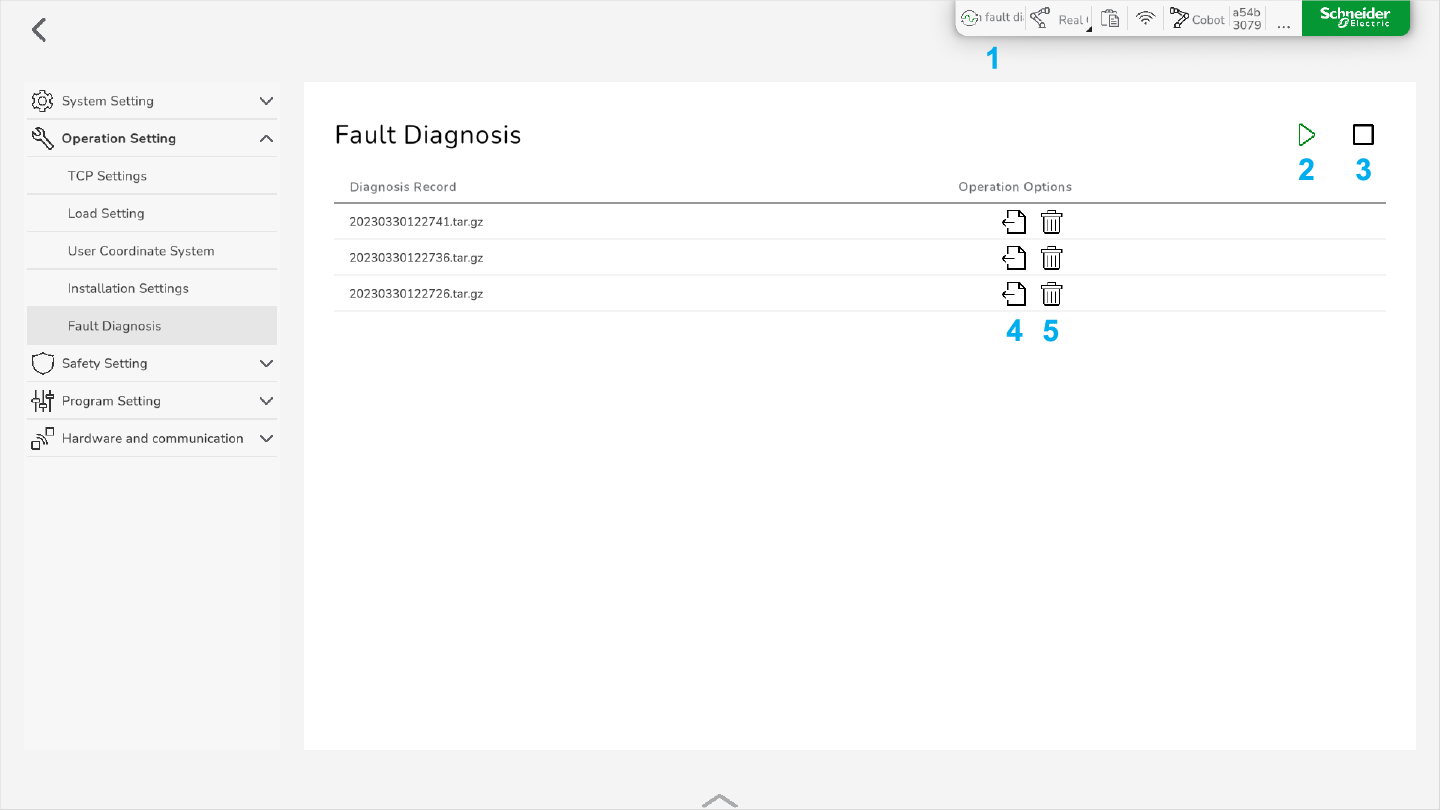
1 Status indicator for an ongoing error diagnosis
2 Start diagnosis
3 Stop diagnosis
4 Download the diagnosis file
5 Delete the diagnosis file
Starting an Error Diagnosis
To perform an error diagnosis manually, in , click the Start button.
The error diagnosis is executed for 30 seconds. If you want to stop it earlier, click the Stop button that is displayed during recording.