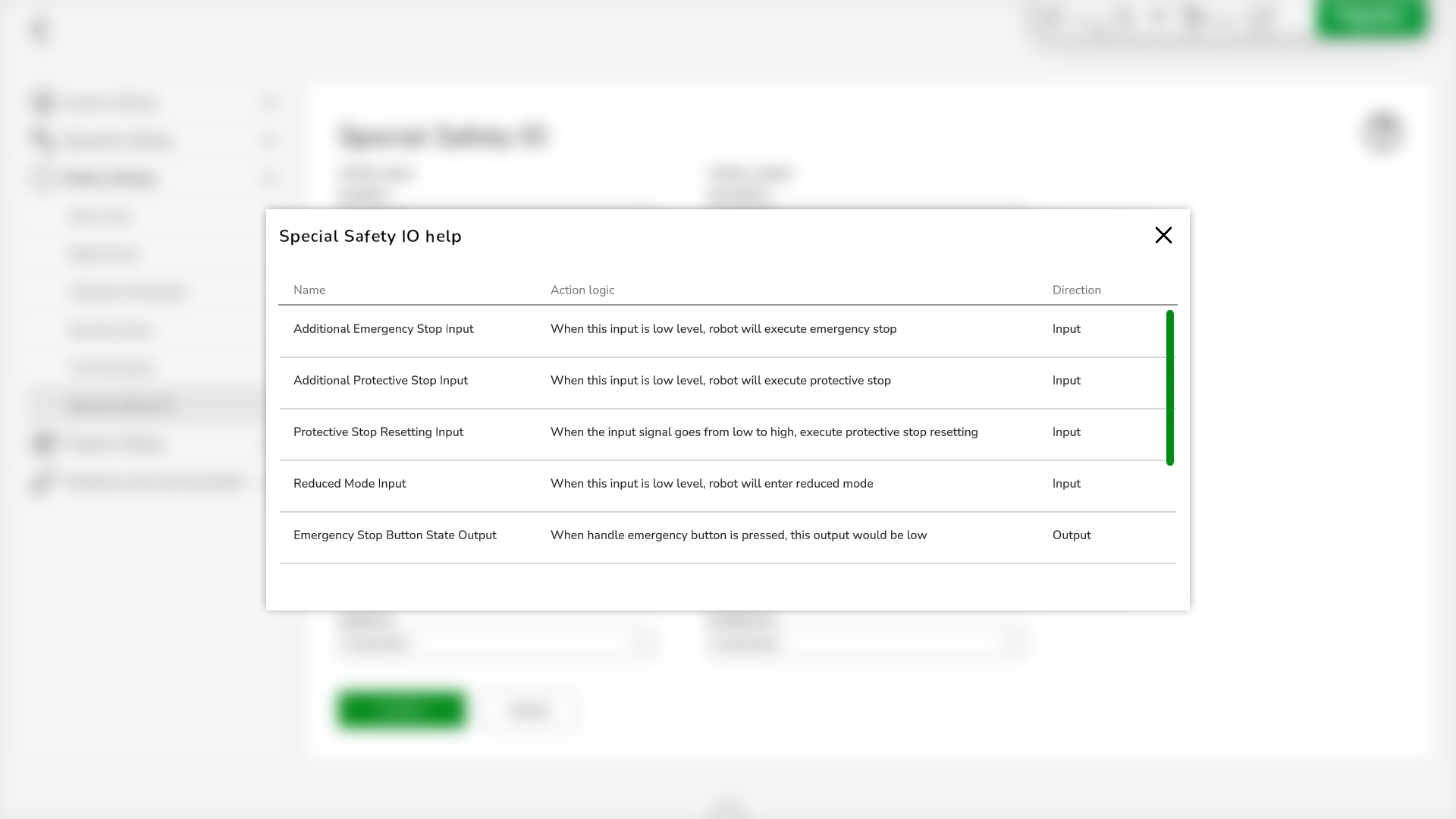
Special Safety IO
Overview
The digital inputs and outputs of the Lexium Cobot Controllers can be configured as a Special Safety IO to control the safety-related functions and monitor the safety-related status of the Lexium Cobot. This Special Safety IO signal is a two-channel signal.
To set special safety-related inputs and outputs, go to .
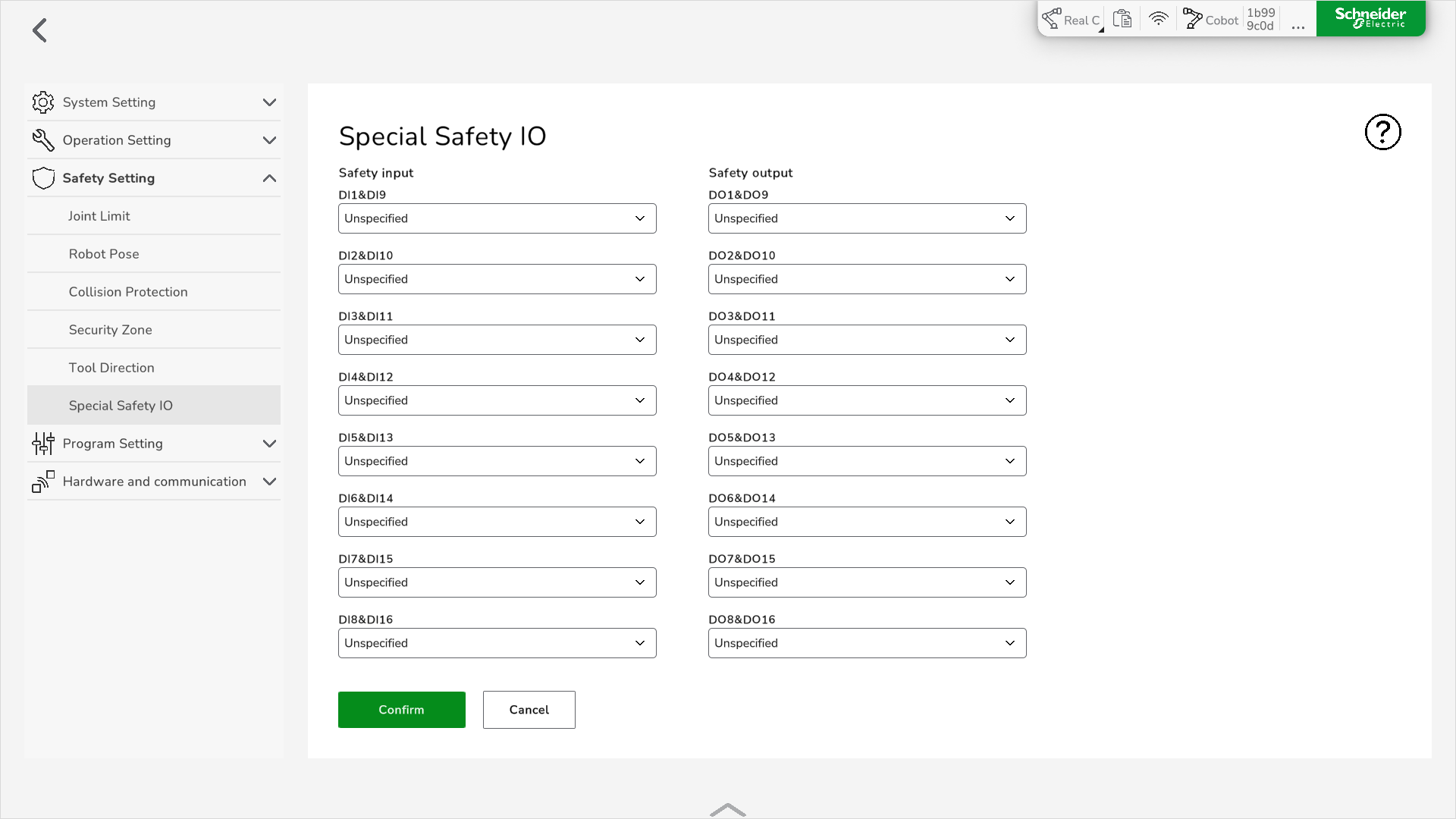
Setting the Special Safety IO
To set a Special Safety IO, perform the following steps:
|
Step |
Action |
|---|---|
|
1 |
Disable and power off the Lexium Cobot Arm. |
|
2 |
Go to . |
|
3 |
At the safety-related input or output to be set, use the dropdown menu to select the required configuration. For further information on the different configurations, refer to Description of the Safety-Related Signals. |
|
4 |
Click Confirm. Result: The Special Safety IO is set. |
Description of the Safety-Related Signals
The following table presents the available safety-related signal configurations that you can select. For further information, refer to Functional Safety in the Lexium Cobot Hardware Guide.
| Name | Action logic | Direction |
|---|---|---|
|
Additional Emergency Stop Input |
When the input signal is FALSE, the Lexium Cobot Arm performs an emergency stop. |
Input |
|
Additional Protective Stop Input |
When the input signal is FALSE, the Lexium Cobot Arm performs a protective stop. |
Input |
|
Protective Stop Resetting Input |
The protective stop is reset by the rising edge (FALSE > TRUE) of this signal. |
Input |
|
Reduced Mode Input |
When the input signal is FALSE, the Lexium Cobot Arm switches to reduced mode. |
Input |
|
Three Position Enable Input |
When the input signal is TRUE, the Lexium Cobot Arm can be moved in manual mode. |
Input |
|
Emergency Stop Button State Output |
When the emergency stop pushbutton on the Control Stick is pressed, the output signal is FALSE. |
Output |
|
System Emergency Stop State Output |
When the Lexium Cobot system is in emergency stop state, the output signal is FALSE. |
Output |
|
System Protective Stop State Output |
When the Lexium Cobot system is in protective stop state, the output signal is FALSE. |
Output |
|
Robot Motion State Output |
When the Lexium Cobot Arm is in motion, the output signal is FALSE. |
Output |
|
Robot Not-Stopping State Output |
When an emergency stop or protective stop is triggered, causing the Lexium Cobot Arm to stop or to decelerate to a full stop, the output signal is TRUE. |
Output |
|
Robot Reduced Mode Output |
When the Lexium Cobot Arm is in reduced mode, the output signal is FALSE. |
Output |
|
Robot Not in Reduced Mode |
When the Lexium Cobot Arm is not in reduced mode, the output signal is FALSE. |
Output |
For further information on the safety-related signals, refer to Functional Safety in the Lexium Cobot Hardware Guide.
Viewing the Special Safety IO Help
To display a description of the safety-related signals in the software, click the Help icon.
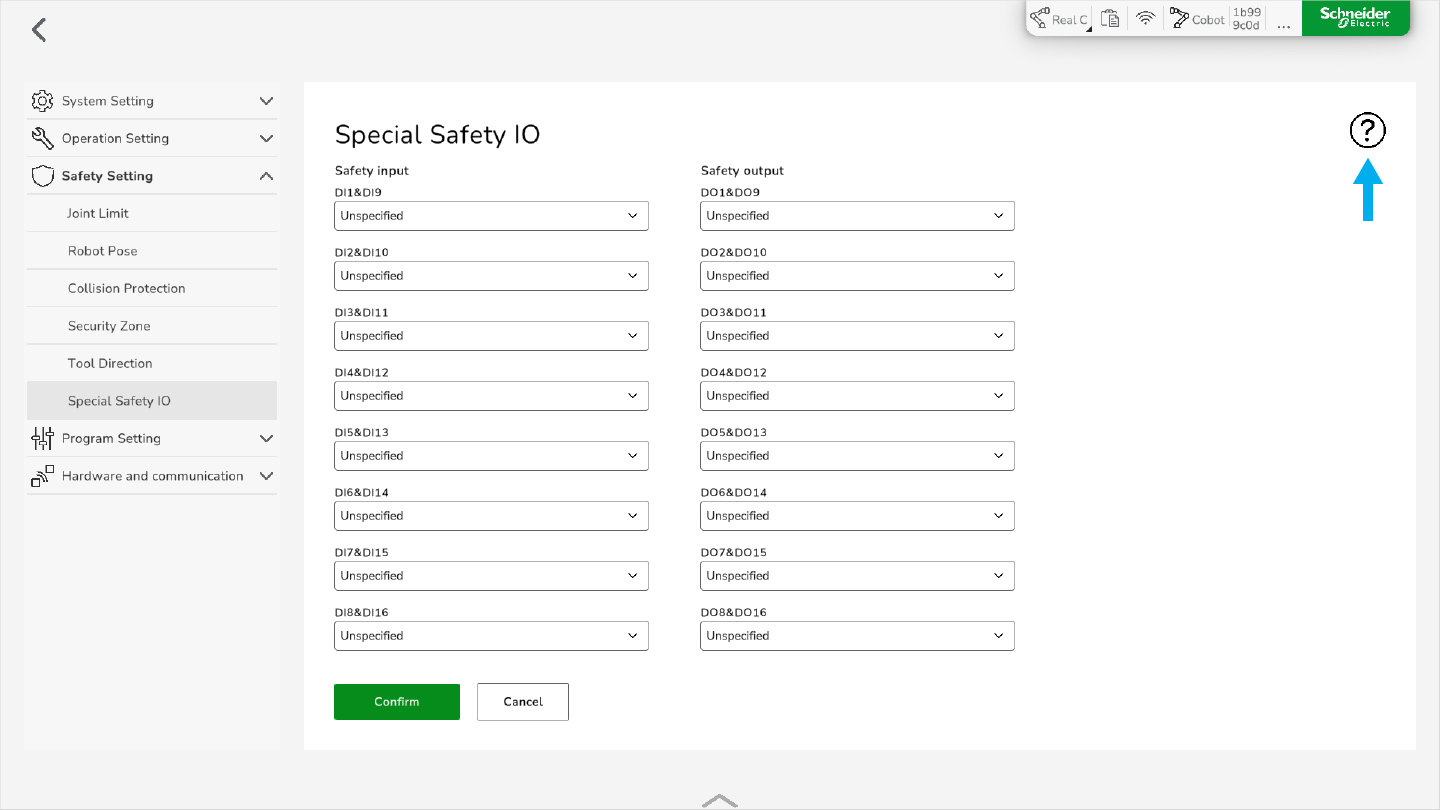
Result: The Special Safety IO help is displayed.