WiFi Service Webserver Connection
Overview
The Lexium Cobot system provides an embedded WiFi service. The webserver is password protected. Each Lexium Cobot Controller has a unique password, which can be found on the WiFi access label attached at the inner side of the front door of the Lexium Cobot Cabinet Controller or on the back of the Lexium Cobot Compact Controller.
Refer to WiFi Connection Considerations in the Lexium Cobot Hardware Guide, for more information concerning the use of a wireless connection.
WiFi Access Data
The following figure represents the WiFi access label:
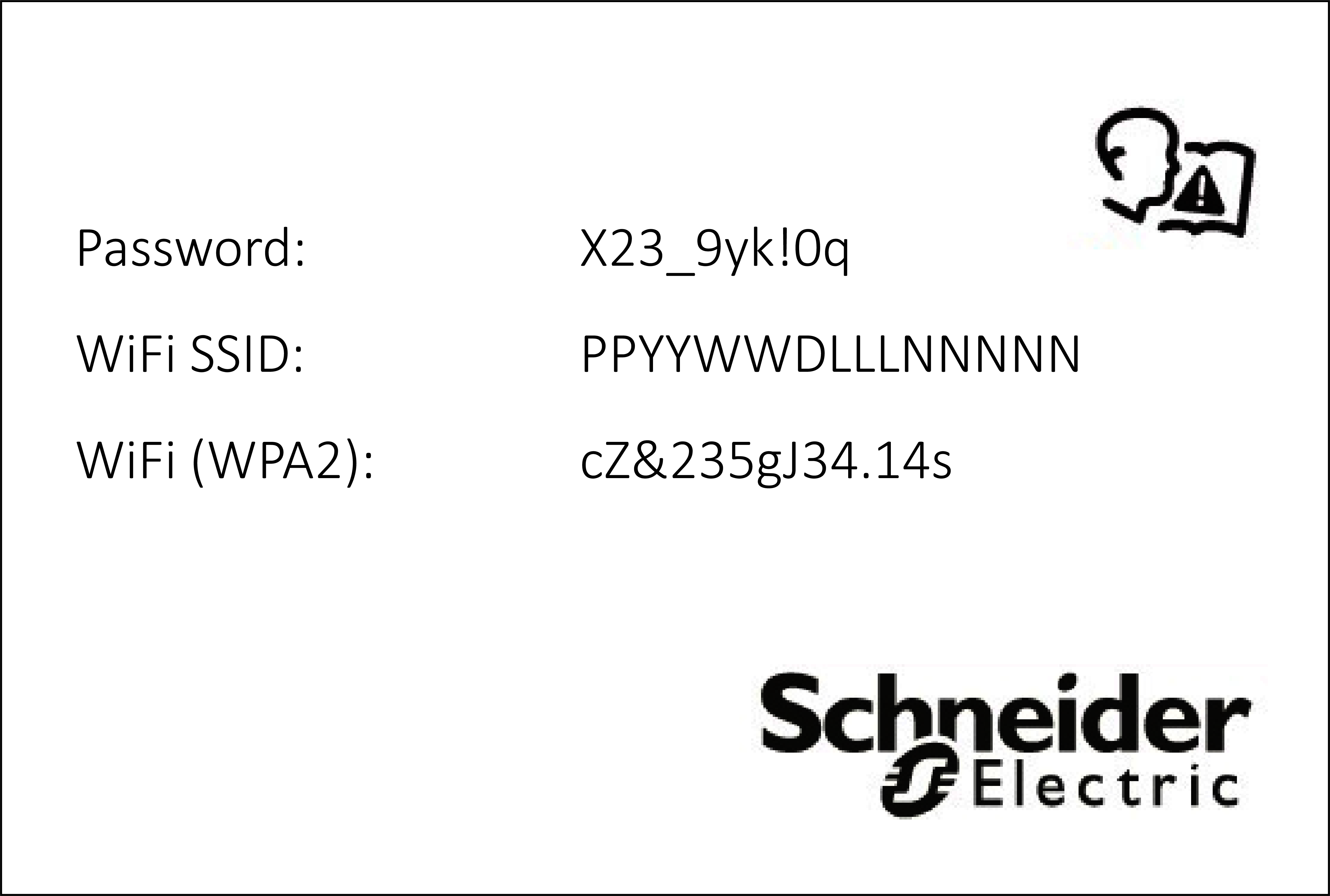
Password: The password is required to get access to the webserver. The password on the label is unique to the device.
WiFi SSID: The SSID of the WiFi is a unique 15-digit serial number, which corresponds to the serial number on the type plate. The WiFi SSID is linked to the serial number of the device and cannot be modified.
WiFi (WPA2): The WiFi connection is based on WPA2 standard. The WPA2 password on the label is unique to the device.
First Connection to the WiFi Service
When you connect for the first time or after a reset to factory settings, you need to change the passwords to use the WiFi (WPA2). For guidance on creating strong passwords, refer to Creating Strong Passwords.
Creating Strong Passwords
Creating strong passwords helps protect devices and equipment from unauthorized access. Passwords should be unique. The same password should never be used for duplicated purposes and the same passwords should not be used on different devices.
Acceptance criteria for entering new passwords on the Lexium Cobot Arm system is a length of 8...20 characters. Create a password that contains at least one character from each of the following categories:
-
Uppercase letter (A, B, C… X, Y, Z)
-
Lowercase letter (a, b, c…x, y, z)
-
Number (0..9)
-
Special character (for example, “?”, “#”, “!”)