Publishing Variables in the HMI Part
The following variable types can be published in Vijeo-Designer to make them available for the entire EcoStruxure Machine Expert project:
oBOOL
oDINT
oINT
oUINT
oUDINT
oInteger
oREAL
oSTRING
|
Step |
Action |
|---|---|
|
1 |
In the Vijeo-Designer Variable Editor, select those variables you want to publish. |
|
2 |
Right-click the selected variable(s) and execute the command Move to SoMachine from the context menu. 
Result: The Move to SoMachine dialog box will be displayed. |
|
3 |
In the Move to SoMachine dialog box open the subfolders of the devices defined in EcoStruxure Machine Expert to see the levels where variables are defined (POU or GVL). |
|
4 |
Select the POU or GVL to which you want to add the selected Vijeo-Designer variable(s) and click OK. 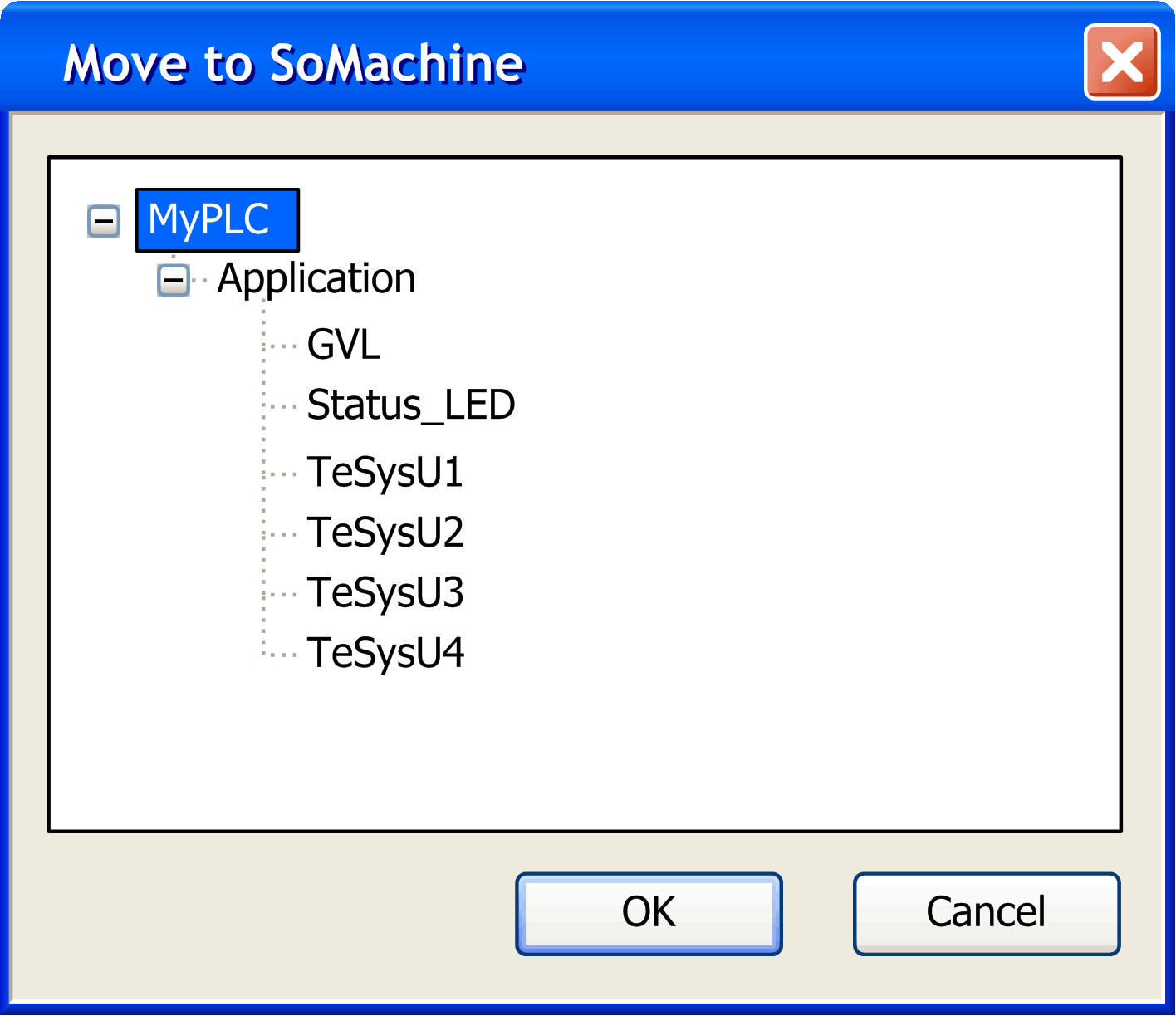
Result: The selected variable(s) has / have been moved to the selected EcoStruxure Machine Expert POU or GVL and is / are available throughout the EcoStruxure Machine Expert project. 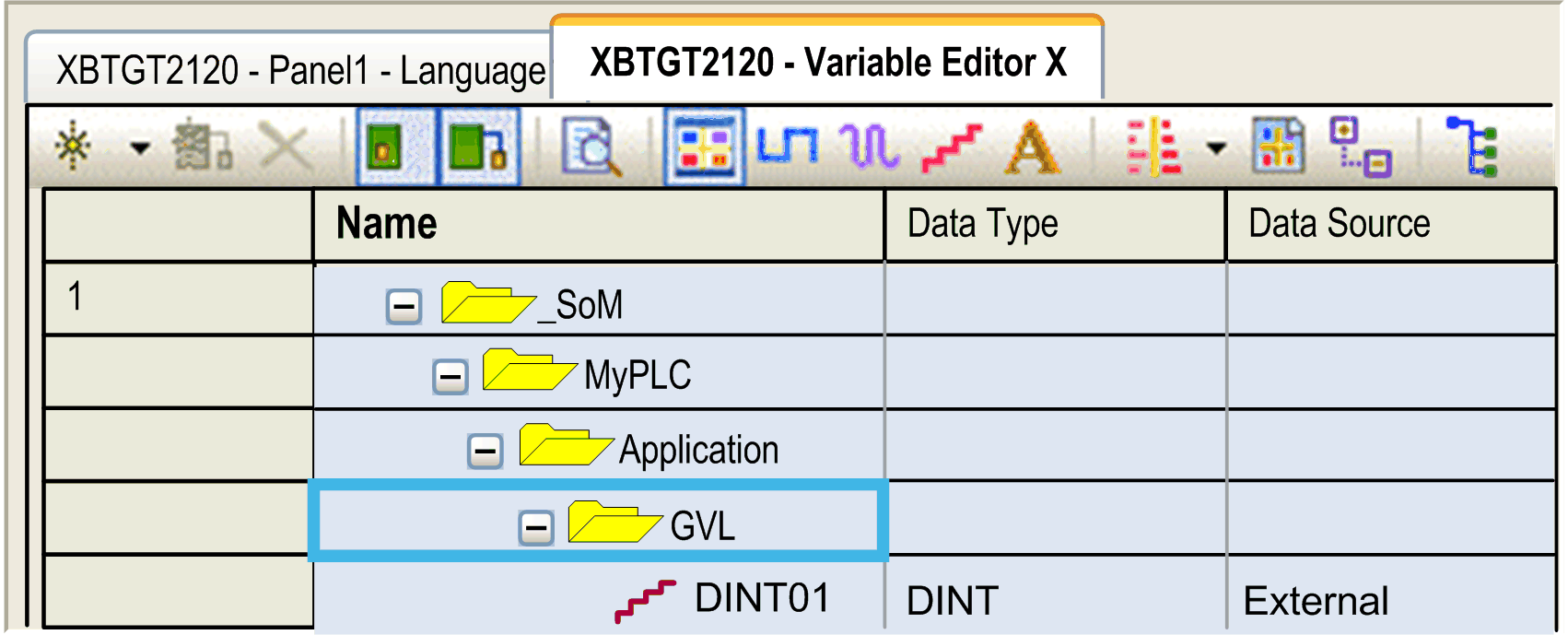
|
