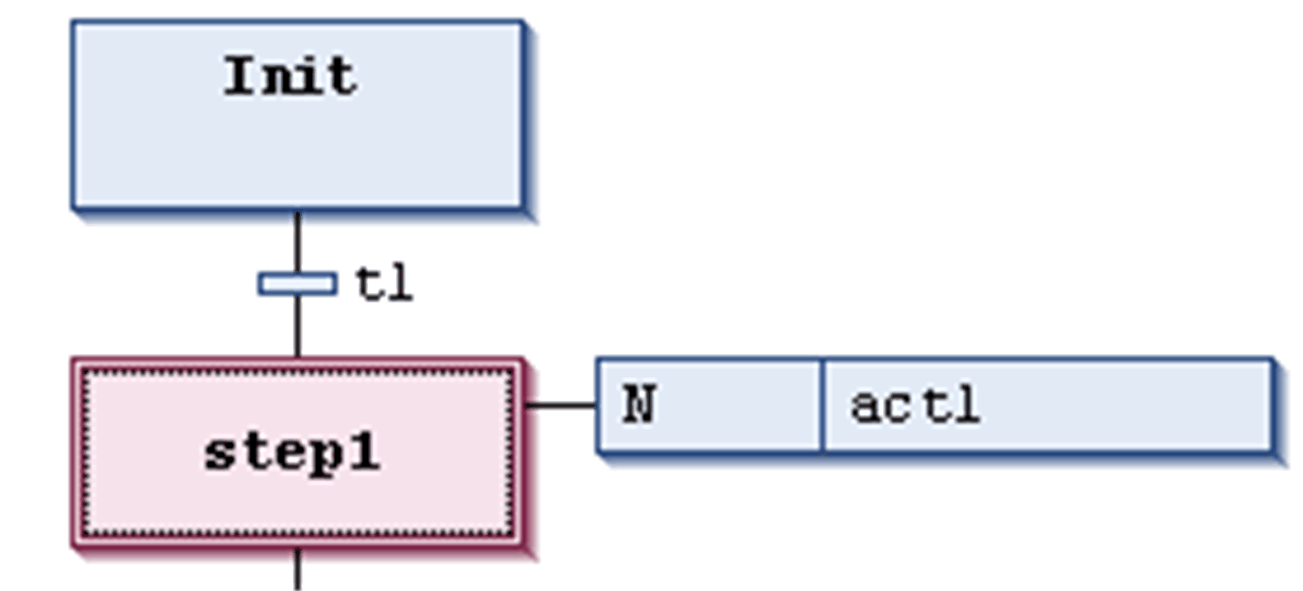
Possible cursor positions in an SFC diagram in the SFC editor are indicated by a gray shadow when moving with the cursor over the elements.
There are 2 categories of cursor positions: texts and element bodies. See the possible positions indicated by a gray shaded area as shown in the following illustrations:
Possible cursor positions in texts:
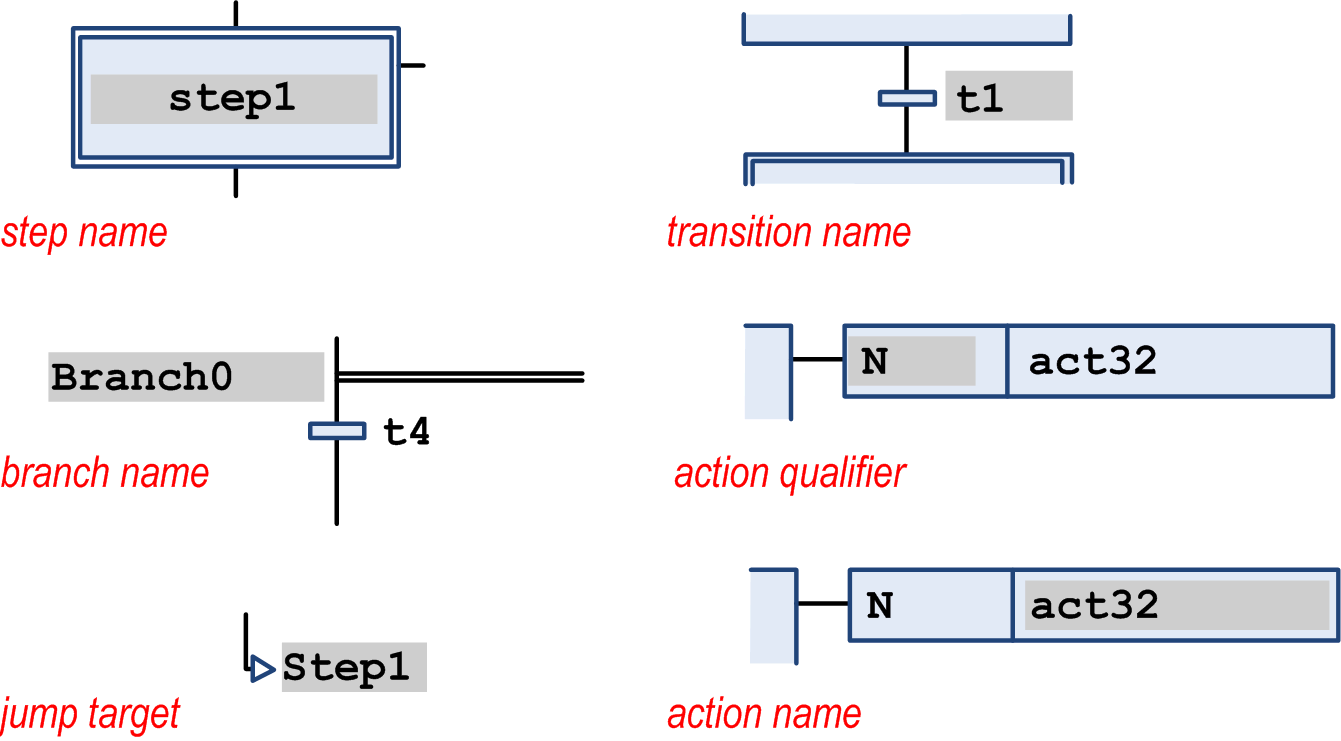
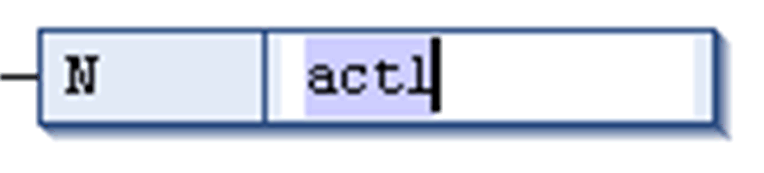
When you click a text cursor position, the string will become editable.
Select action name for editing:
Cursor Positions in Element Bodies
Possible cursor positions in element bodies:
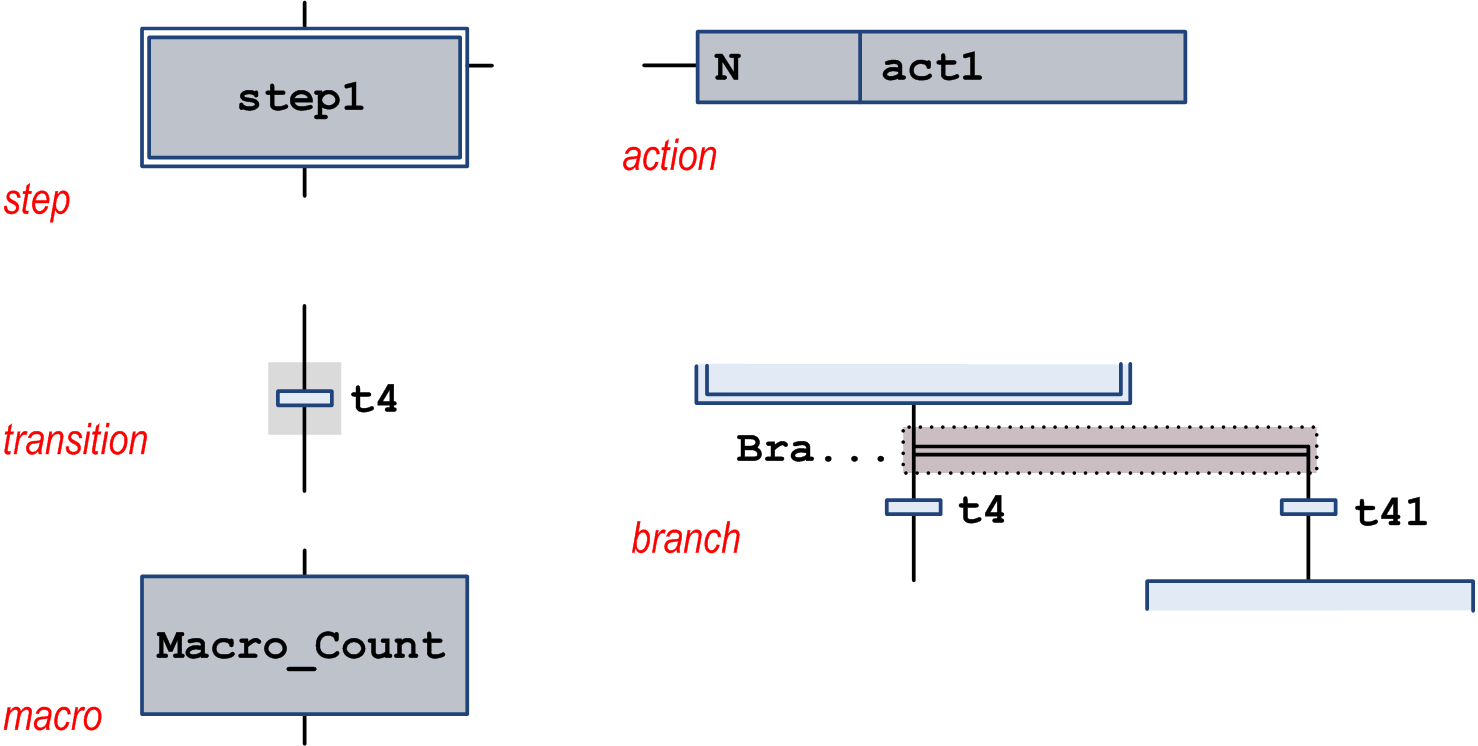
When you click a shadowed area, the element is selected. It gets a dotted frame and is displayed as red-shaded (for multiple selection, refer to Working in the SFC Editor ).
Selected step element