The serial line Configuration window allows configuring the physical parameters of the serial line (baud rate, parity, etc.).
To configure the Serial Line 1 and Serial Line 2, proceed as follows:
|
Step |
Action |
|---|---|
|
1 |
In the Devices tree, double-click Serial Line 1 or Serial Line 2. Result: The Serial Line configuration window is displayed: 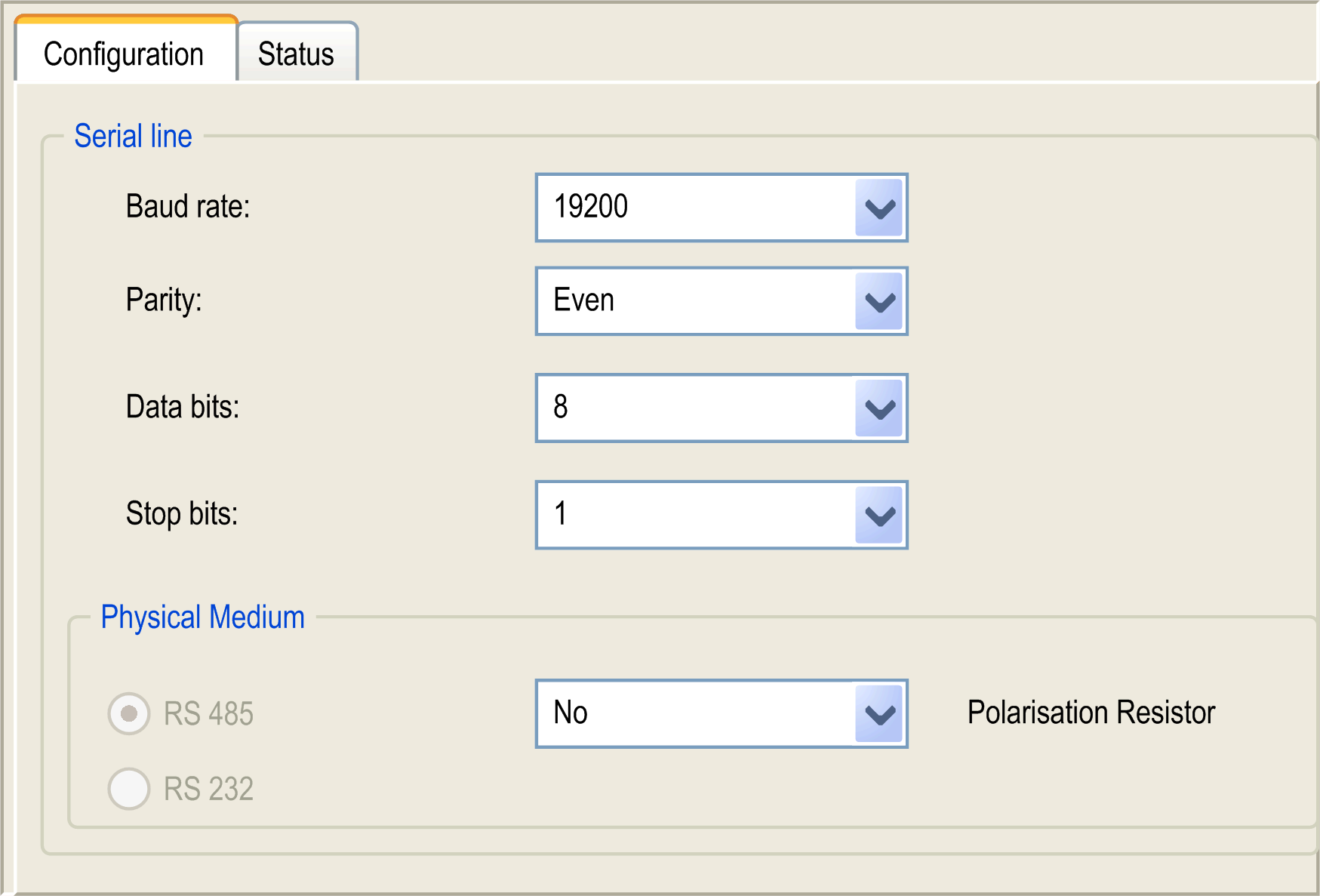
|
The following parameters must be identical for each serial device connected to the port:
|
Element |
Description |
|---|---|
|
Baud rate |
Transmission speed |
|
Parity |
Used for error detection |
|
Data bits |
Number of bits for transmitting data |
|
Stop bits |
Number of stop bits |
|
Physical Medium |
Specify to use RS485 with polarization resistor or without. NOTE: Two line polarization resistors are integrated in the controller, they are switched on or off by this parameter. |
NOTE: If a Modbus Manager is added under the serial device and its Addressing is set to Master, the Polarisation Resistor is set to Yes automatically.