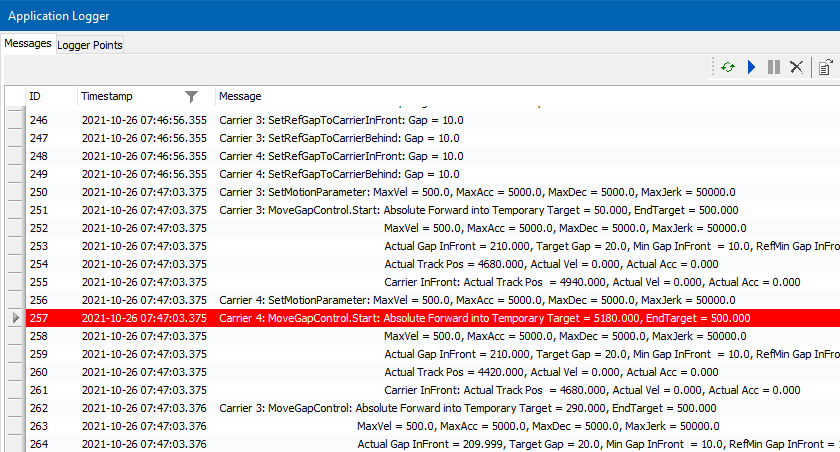
Application Logger – General Information
Overview
For more information, refer to the Multicarrier Library Guide
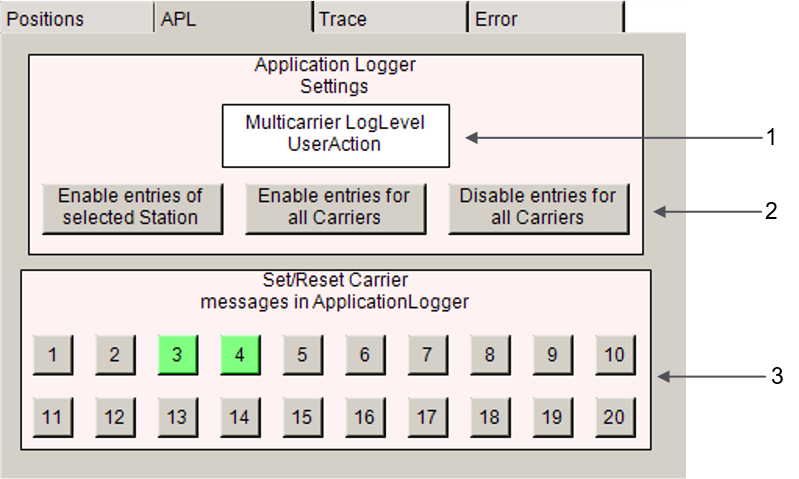
|
Item |
Description |
|---|---|
|
1 |
Allows you to enter the logger level for the messages of the Multicarrier components. |
|
2 |
Selection buttons (from left to right):
|
|
3 |
Number buttons for selecting individual carriers to be logged. For these carriers, logger messages are written to the . |
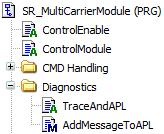
Reading Messages
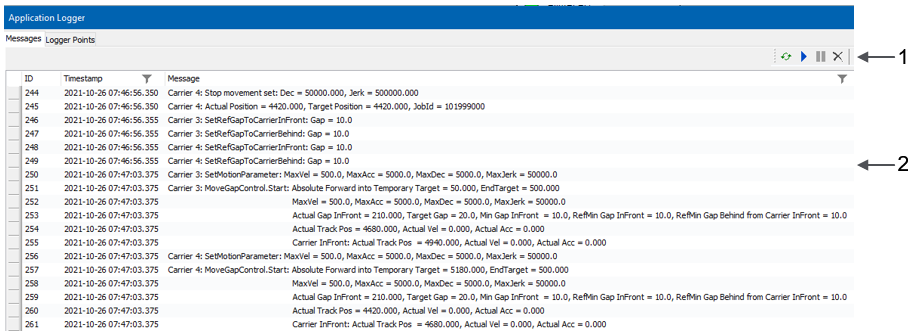
|
Item |
Description |
|---|---|
|
1 |
Icons of the tab. With the green icon, you can refresh the content of the tab. |
|
2 |
Examples of loaded messages. |
Filtering Messages
|
Step |
Action |
|---|---|
|
1 |
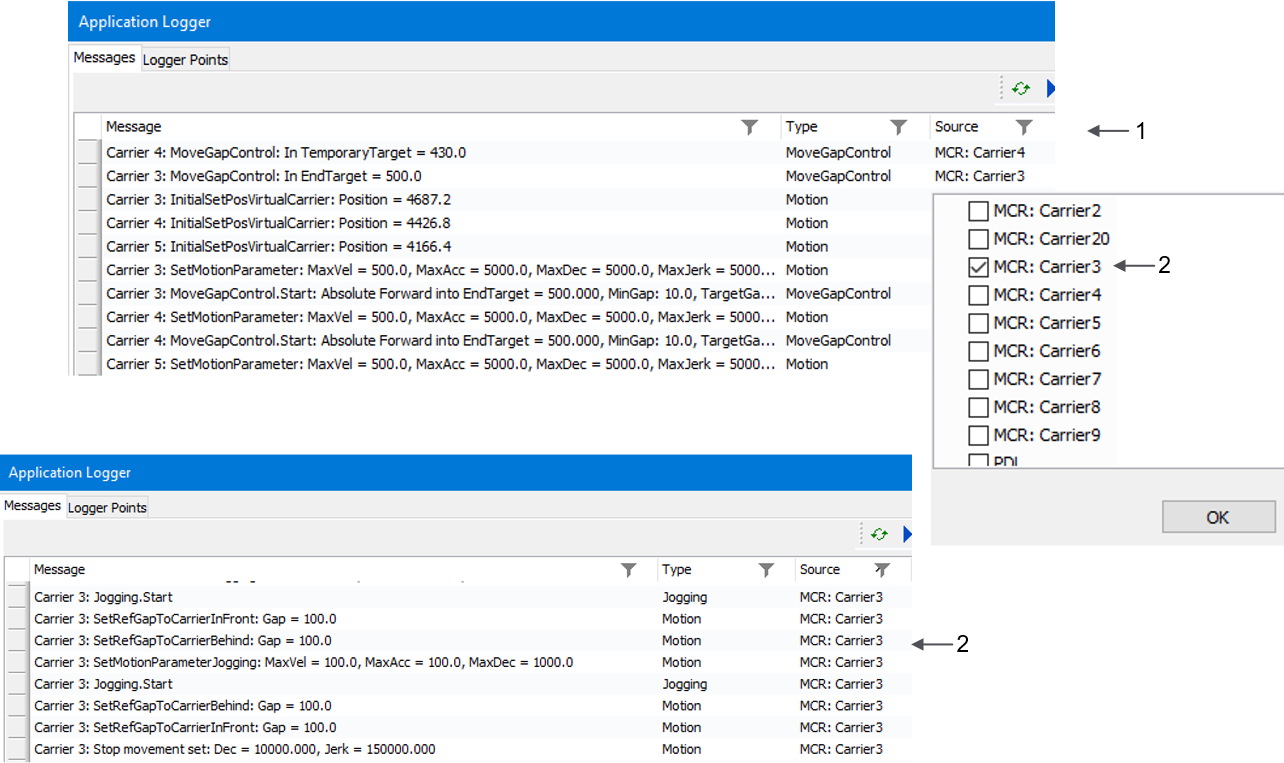
Filter the column . |
|
2 |
Select Result: Messages for carrier 3 are displayed. |
Marking Messages
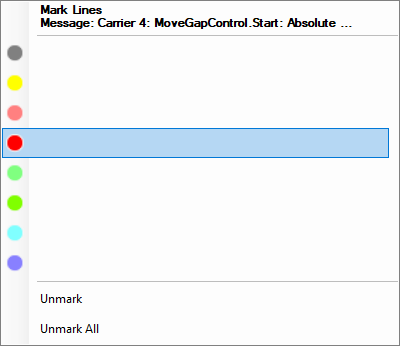
For more information on marking lines, refer to the Menu Commands Online Help.
Result: The lines corresponding to the selection criterion are displayed as marked lines: