Entering the front panel password
When you attempt to change a setting on the front panel with basic security enabled, you are presented with the password screen. After you enter the correct password, you do not have to re-enter it for other any other changes unless you exit the configuration session, or the session has elapsed.
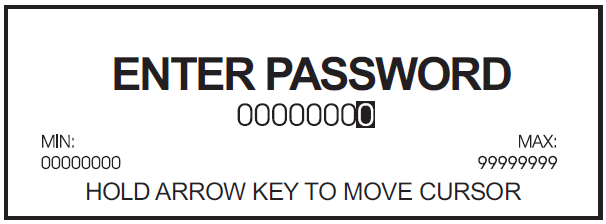
To enter the password:
- Use the arrow buttons to change the value of the highlighted digit. The up arrow increments the number and the down arrow decrements it.
- Hold down an arrow button for about one second to change the position of the cursor. The up arrow moves the cursor left one position and the down arrow moves the cursor right one position.
- Press the ALT/ENTER button once you have the value that you want.