This topic is about client-side printing. You can use client-side printing for printing to file (such as PDF) or onto paper.
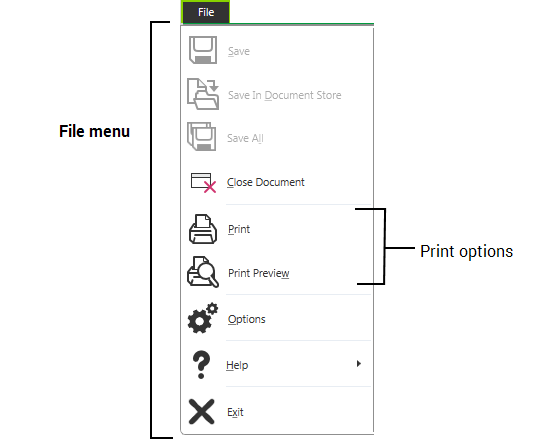
The print options in Geo SCADA Expert are located on the File menu.
When you select Print for a selected feature, for example a Trend, a standard Print window is displayed.
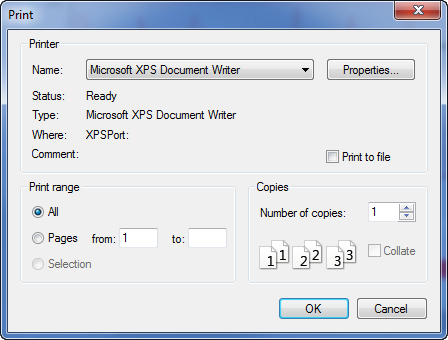
Use the window to select an available printer. Refer to your Windows documentation for details of how to use this window.