Export to File
You can use the Export to File option to export the contents of a List to a file. The file can then be viewed using a text editor such as Notepad.
To export a List to file:
- Right-click on the List.
A context-sensitive menu is displayed.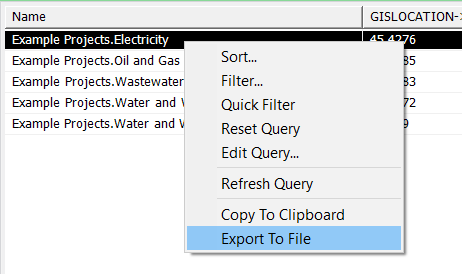
-
Select the Export to File option.
The Export Data window is displayed. - Specify a filename and the desired location, and then save the file.
By default, the data is exported in 'Text (Tab delimited)' format.