When you have embedded a pre-configured Trend onto a Mimic, you can access its Embedded Trend Properties window to edit its settings. To display the window, double-click on the object on the Mimic. (For other ways of displaying the window, see Display the Properties Window for an Object on a Mimic.)
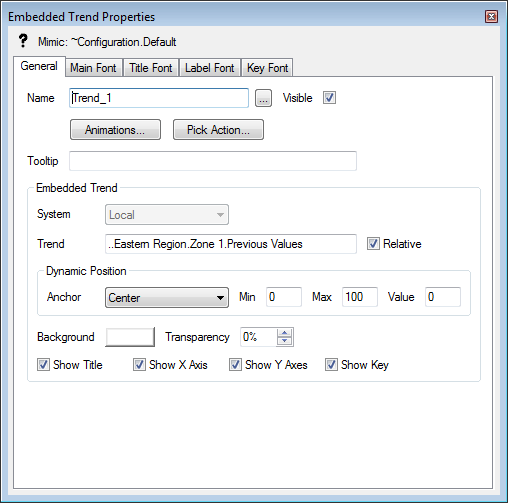
The Embedded Trend Properties window contains five tabs. For more information concerning each tab, see the topics that are listed in the gray footer section at the bottom of this topic. Select the relevant entry to display the topic that you require.
Embedded Trends on Mimics provide a subset of the features that are available on pre-configured Trends. This includes operational-level access to a subset of the menu options on the Trend. Trends that have been configured to display in Inset Windows on Mimics support a slightly different subset of operational-level menu options to Embedded Trends.