Trends allow you to view the data from one or more database items in a graphical format. They are particularly useful for comparing the values of database points over a specific amount of time.
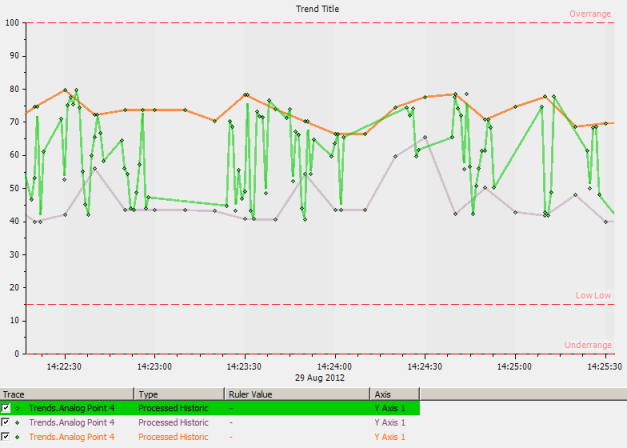
Trends have two modes: Run mode and Design mode. To configure a Trend, you need to display it in Design mode (see Configuring Trends). To operate a Trend, you display it in Run mode. Run mode is the operational mode that provides access to the various Trend display tools and navigation features that enable you to view and compare data over time.
The topics in this section provide information about how to access, navigate and operate Trends in Run mode. For more information, see the topics that are listed in the gray footer section at the bottom of this topic. Select the relevant entry to display the topic that you require.
Embedded Trends on Mimics provide a subset of the features that are available on pre-configured Trends. This includes operational-level access to a subset of the menu options on the Trend. Trends that have been configured to display in Inset Windows on Mimics support a slightly different subset of operational-level menu options to Embedded Trends.