If an action that is associated with a Schedule no longer needs to be triggered by that Schedule:
- Display the Schedule in Design Mode.
- Either:
- Right-click on the action in the Object area of the Schedule Display.
A context sensitive menu is displayed.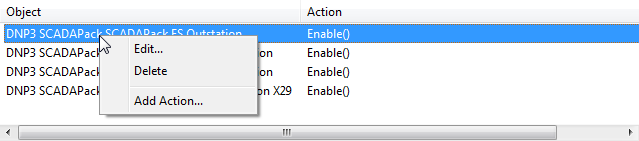
- Select the Delete option.
Or:
- Select the action in the Object area of the Schedule Display.
- Press the Delete key.
The obsolete entry is removed from the Schedule Display.
- Right-click on the action in the Object area of the Schedule Display.
- Save the configuration.