For information on configuring properties on SCADAPack Modbus analog points other than SCADAPack Modbus Analog Input Points and SCADAPack Modbus Analog Output Points, see theSCADAPack Modbus Realflo driver extension guide.
Use the fields at the top of the Analog Point tab on the SCADAPack Modbus Analog Point Form to Configure Common Point Properties. Fields that are specific to SCADAPack Modbus Analog points are explained below.
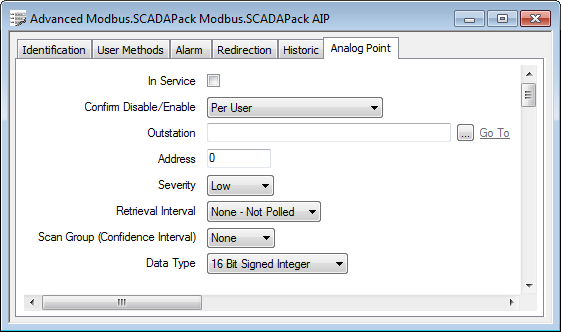
- Data Type—Use this combo box to specify the format of the raw data.
>
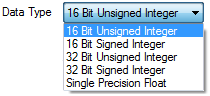
Do not use 32-bit integer data types to read Realflo data values. This restriction is due to the word order differing between Realflo and Telepace applications on SCADAPack devices. For information about the points that you should use to read Realflo data values, see the SCADAPack Modbus Realflo driver extension guide.