Upgrade
This page of the Installation Wizard is only displayed if you are upgrading an existing installation of Geo SCADA Expert.
On the Upgrade page, select the Change option if you want to check which components are currently installed and optionally select a different combination of features. This will display the Custom Setup page from which you can specify which components are to be installed (see Custom Setup). (Remember that many components - in particular, some driver components - are licensed separately to the core Geo SCADA Expert product. If you opt to install additional features to those that were previously installed, you may have to upgrade your license accordingly (see Upgrade a License).)
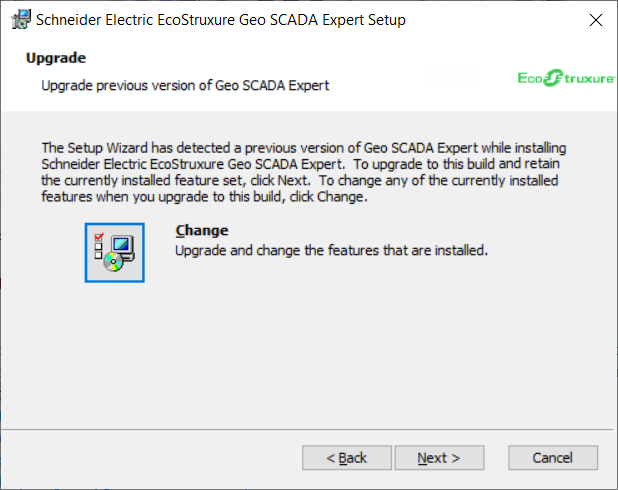
There is no need to select the Change option if you want to retain the currently installed feature set.
Once you are ready to move onto the next stage of the installation process, select the Next button, to go to Ready to Install.