Edit Communication Settings
Overview
Right-click a device and select to change the communication parameters:
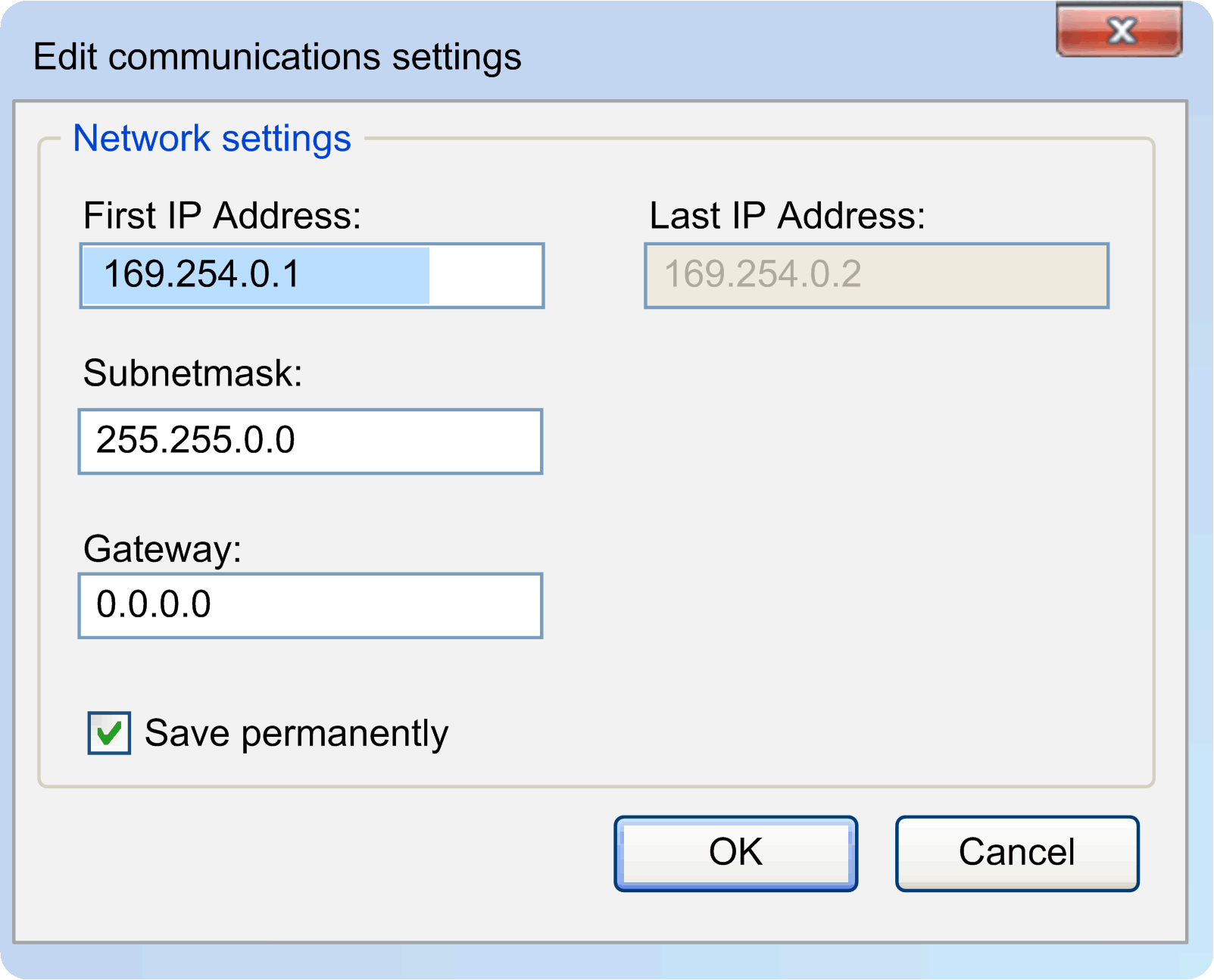
Select the check box, if you want your changes to be saved permanently or clear it, if you want your changes only to be saved for a short time.
The changed communication parameters are transferred to the selected device and the drop-down list is refreshed automatically.
Edit Several Devices Simultaneously
You can select several devices in the device list and edit the communication parameters of several devices simultaneously.
Select more than one device by holding or when clicking.
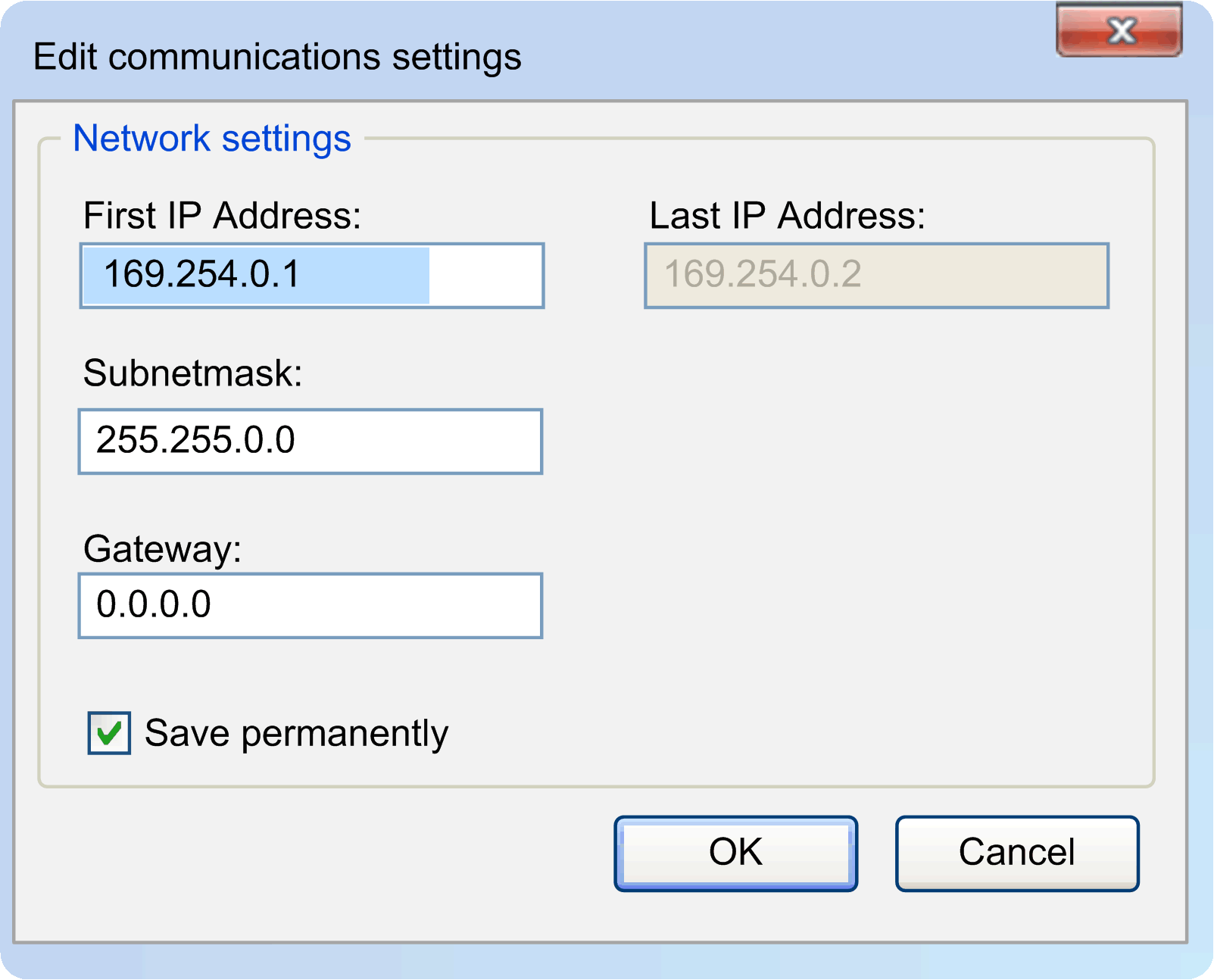
This dialog allows you to assign an IP address range to the several selected devices:
Carefully manage the IP addresses because each device on the network requires a unique address. Having multiple devices with the same IP address can cause unintended operation of your network and associated equipment.
| WARNING | |
|---|---|
|
Element |
Description |
|---|---|
|
|
Enter the first address of the IP address range. The proposed IP address range depends on the subnet and the IP address of the selected network interface. The number of possible host addresses is 2 (that is, exclusive of the subnet ID and broadcast address). |
|
|
After changing the or the , the of the range is calculated as follows: + the following IP addresses within the subnet which is defined by the and the .
NOTE:
|
|
|
Assigns the IP addresses to the selected devices.
|
The following default settings result:
|
Communication Parameter |
Default Setting |
|---|---|
|
|
The lowest possible IP address within the subnet is proposed. The address is entered automatically. |
|
|
The subnet mask of the currently selected network interface. |
|
|
0.0.0.0 |
For further information, refer to Brief instruction and Command line.