Method 2: Installing using a firmware file
You can install an individual firmware file (.upx or .upg) on the device.
Recommedation: Install device firmware using the firmware package (.zip). For more information, see Method 1: Installing using a firmware package – recommended.
Any digital and analog outputs associated with your device might change state during firmware installation or when applying a template.
 warning
unintended operation
Do not use this device for critical control or protection of persons, animals, property, or equipment.
Failure to follow these instructions can result in death, serious injury, or equipment damage.
Installing firmware or applying a template onto your device clears all previously recorded data.
notice
DATA LOSS
Ensure that all important data has been recorded before uploading firmware or a template to your device.
Failure to follow these instructions can result in data loss.
Prerequisites
- Open the device table of contents
- Connect to your device
- A firmware file (.upx or .upg)
- A device template (.fwn or .dcf)
To install device firmware using a firmware file:
- Select Device Management > Update > Firmware.
- Go to Install Firmware.
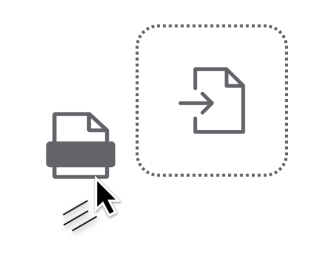
- Drag the upgrade file (.upx or .upg) into the upload area or select Browse and then choose the firmware file.
- Read the Firmware Installation Alert and then select Proceed.
- Select Upload and then choose your template file.
- Select the template settings that you want to retain from the device.
- Select Apply to install the device firmware.