Write and Edit the Program Code in a Python Library
The topics in this section only apply to Python Libraries that store common code for Python programs that you want the Geo SCADA Expert server to execute.
You use a Python Library item to store a portion ('module') of program code that you want to be able to reference from multiple Python programs in Geo SCADA Expert.
To enter the code for a Python Library, you edit that Python Library item in the database. To do this:
-
In the Database Bar, either double-click on the Python Library item or right-click on it and select the Edit Python Library option from the context-sensitive menu.
The Python Library is displayed in Design mode.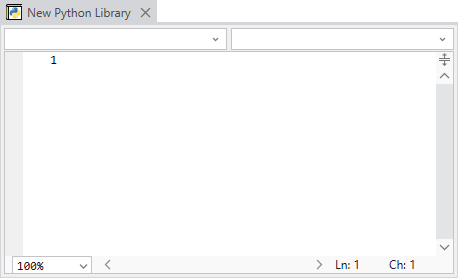
-
Enter your program code in the editor.
There is no minimum code that you need to include in a Python Library, other than any references that are required by the library code.
With the Python programs that the Geo SCADA Expert server is to execute, to refer to the code that is stored in this Python Library item:
-
Include this Python Library item in the list of Python Libraries to which the Python program is to refer (see Specify any Python Libraries that a Python Program is to Use).
-
In the program code of the Python program, specify the module name of this Python Library item whenever you want to refer to the code that is stored in this Python Library item (see Refer to Code that is in a Python Library Item).
Further Information