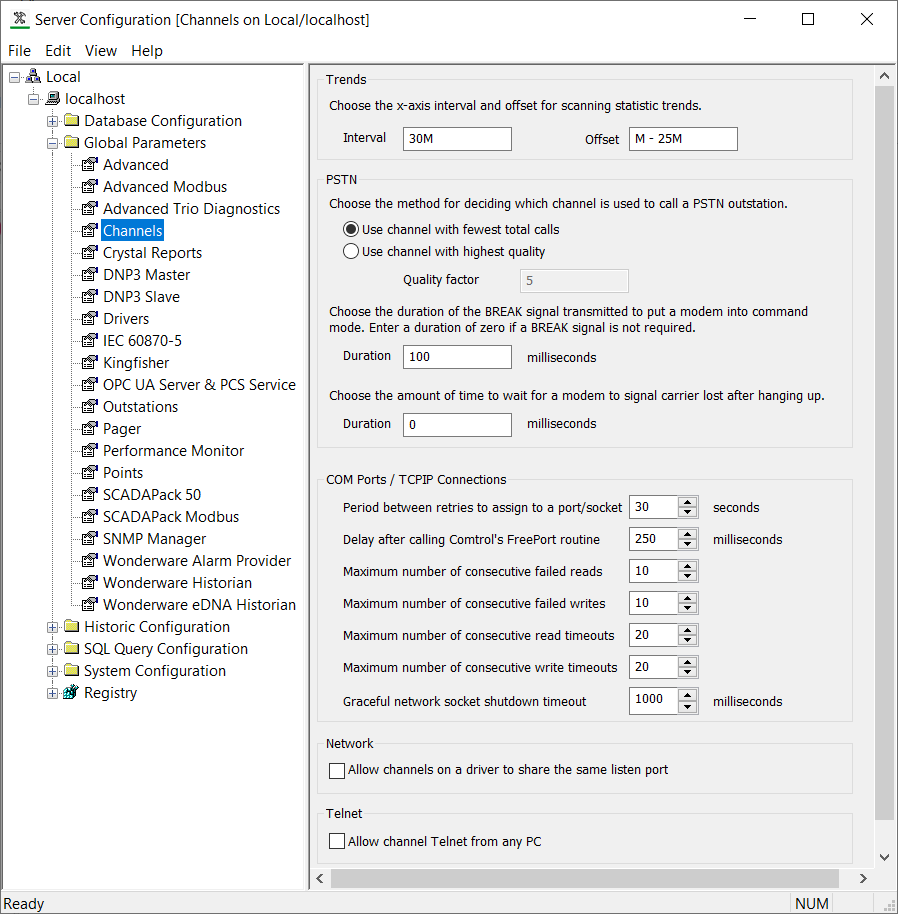
You can use the Channels section of the Geo SCADA Expert Server Configuration Tool to:
- Define the Settings for Channel Scanning Statistics Trends.
- Define how a PSTN Channel is Selected for Communications.
- Define the Settings for Modems .
- Define the Settings for COM Ports and TCP/IP Connections.
- Define whether a Listen Port can be Shared.
- Define whether Telnet can Communicate with Local Clients.
The default settings are appropriate for many systems.
The figure below is interactive. You can select different parts of the figure in order to access further information about your selection.